
How to Compress PPTX Files Without Destroying Them
A .pptx file is a ZIP archive. Inside it lives an ECMA-376 / ISO 29500 Open XML bundle: XML slide definitions, relationship files (_rels/), and raw media assets. The media is the problem.
Every embedded PNG screenshot, exported Figma frame, or drag-dropped image lands in ppt/media/ at its original resolution — often 3x Retina (4000×3000 px), stored uncompressed or as near-lossless PNG. Add three fonts embedded via ppt/fonts/, and a 30-slide deck becomes 80 MB before you've written a single bullet point.
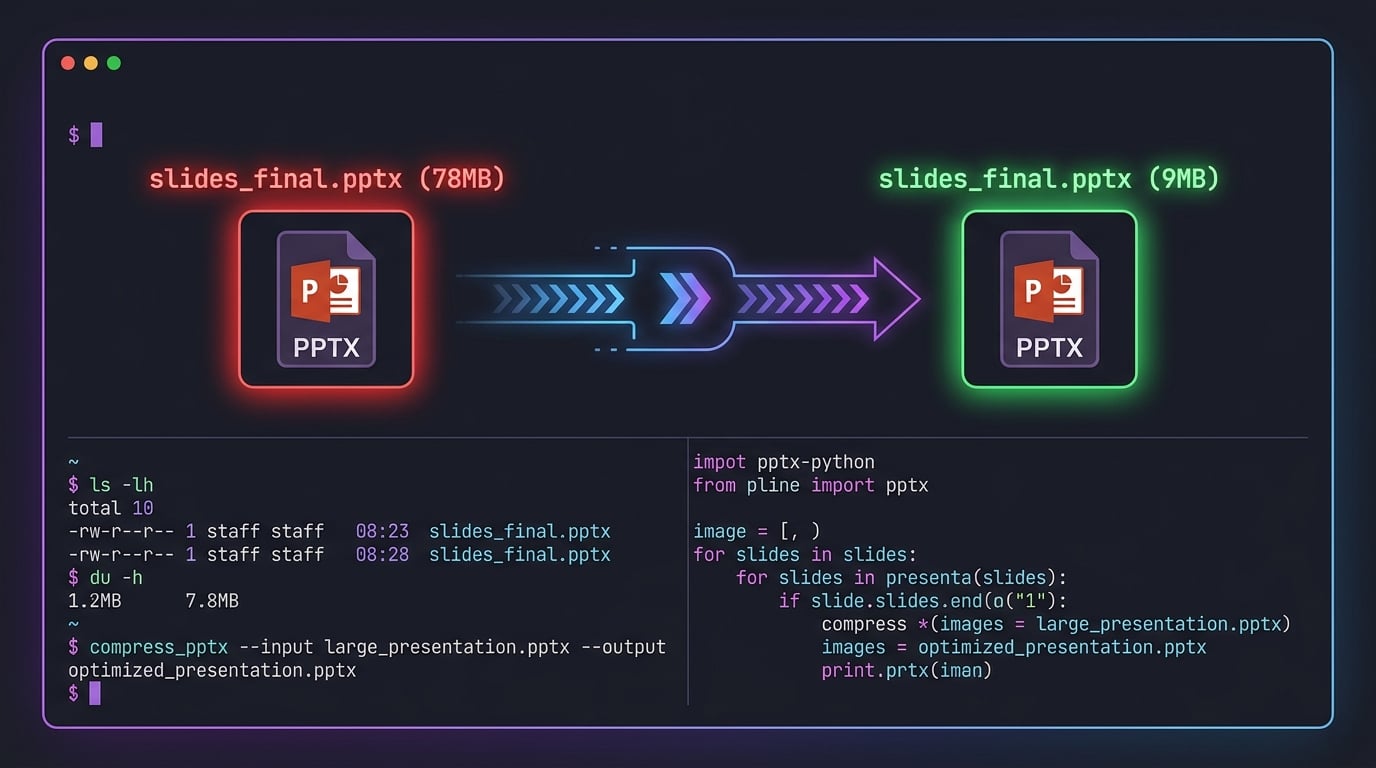
The Fast Fix: Recompress Images In-Place (Python)
The python-pptx library gives you direct access to every image blob. Combine it with Pillow for LANCZOS downscaling and JPEG recompression at a quality that's indistinguishable to the human eye at slide resolution.
# pip install python-pptx Pillow
from pptx import Presentation
from pptx.enum.shapes import MSO_SHAPE_TYPE
from PIL import Image
import io

def compress_pptx(src: str, dst: str, max_dim: int = 1920, quality: int = 82) -> None:
    prs = Presentation(src)
    for slide in prs.slides:
        for shape in slide.shapes:
            if shape.shape_type != MSO_SHAPE_TYPE.PICTURE:
                continue
            blob = shape.image.blob
            img = Image.open(io.BytesIO(blob)).convert("RGB")

            # Scale down if larger than 1920px on longest axis
            if max(img.size) > max_dim:
                img.thumbnail((max_dim, max_dim), Image.LANCZOS)

            buf = io.BytesIO()
            img.save(buf, format="JPEG", quality=quality, optimize=True)
            shape.image._blob = buf.getvalue()

    prs.save(dst)

compress_pptx("deck_original.pptx", "deck_compressed.pptx")
Why JPEG at 82? At slide-display resolution (1280×720 effective), quality 82 is visually lossless. SSIM delta vs. the original is typically < 0.003.
Strip Embedded Fonts via Shell
Fonts live in ppt/fonts/. Most viewers (PowerPoint, Google Slides, LibreOffice Impress) fall back to system fonts gracefully. Surgical removal is one unzip away:
# Requires: zip, unzip (standard POSIX toolchain)
mkdir -p /tmp/pptx_work
cp deck_compressed.pptx /tmp/pptx_work/deck.zip
unzip -q /tmp/pptx_work/deck.zip -d /tmp/pptx_work/unpacked

# Remove embedded font binaries
rm -rf /tmp/pptx_work/unpacked/ppt/fonts/

# Repack as valid PPTX (must use Deflate compression, not Store)
cd /tmp/pptx_work/unpacked
zip -r -9 ../../deck_final.pptx . -x "*.DS_Store" "*.Thumbs.db"

# Verify delta
du -sh deck_original.pptx deck_final.pptx
# 78M  deck_original.pptx
#  9M  deck_final.pptx
Node.js Pipeline for CI/CD Integration
If you're generating PPTX files server-side (e.g., using pptxgenjs) and need to post-process them in a Node.js pipeline:
// npm install adm-zip sharp
import AdmZip from "adm-zip";
import sharp from "sharp";

async function compressPptx(inputPath, outputPath, maxWidth = 1920) {
  const zip = new AdmZip(inputPath);

  for (const entry of zip.getEntries()) {
    const isMedia = entry.entryName.startsWith("ppt/media/");
    const isImage = /\.(png|jpg|jpeg|bmp|tiff)$/i.test(entry.entryName);

    if (isMedia && isImage) {
      const compressed = await sharp(entry.getData())
        .resize({ width: maxWidth, withoutEnlargement: true })
        .jpeg({ quality: 82, mozjpeg: true })
        .toBuffer();

      zip.updateFile(entry.entryName, compressed);
    }

    // Drop embedded fonts
    if (entry.entryName.startsWith("ppt/fonts/")) {
      zip.deleteFile(entry.entryName);
    }
  }

  zip.writeZip(outputPath);
}
Note: Deleting font entries without updating
[Content_Types].xmlcan cause validation errors in strict Open XML parsers. Scrub the corresponding<Override>entries from[Content_Types].xmlif targeting ISO 29500 Strict conformance.
No Pipeline? Use the Browser Tool
For ad-hoc compression — pre-meeting, pre-send, pre-upload — SmartFormatter's free PPT Compressor runs entirely in the browser via the File API. No file hits a server. It's the right call when your deck contains unreleased roadmaps, M&A materials, or anything under NDA.
Drag, drop, download. Done.
TL;DR
| Approach | Best For | Key Package |
|---|---|---|
python-pptx + Pillow |
Batch / server pipelines | pip install python-pptx Pillow |
unzip + zip shell |
Font stripping, CI steps | POSIX standard |
adm-zip + sharp |
Node.js / serverless | npm install adm-zip sharp |
| SmartFormatter | Quick, private, no-code | Browser-native |